
Product Grid
Product Grid Lightning Web Component (LWC) is designed to display merchandise and products that are available in your organization. Items for sale are stored in a unique datasource that is linked to the Product Grid. You can even take advantage of Product Variants to extend your product offerings to constituents.
Configuration Options
From the components list, select the Product Grid component and drag it onto the site page.
On the page, click within the Product Grid component to bring up the Property editor.
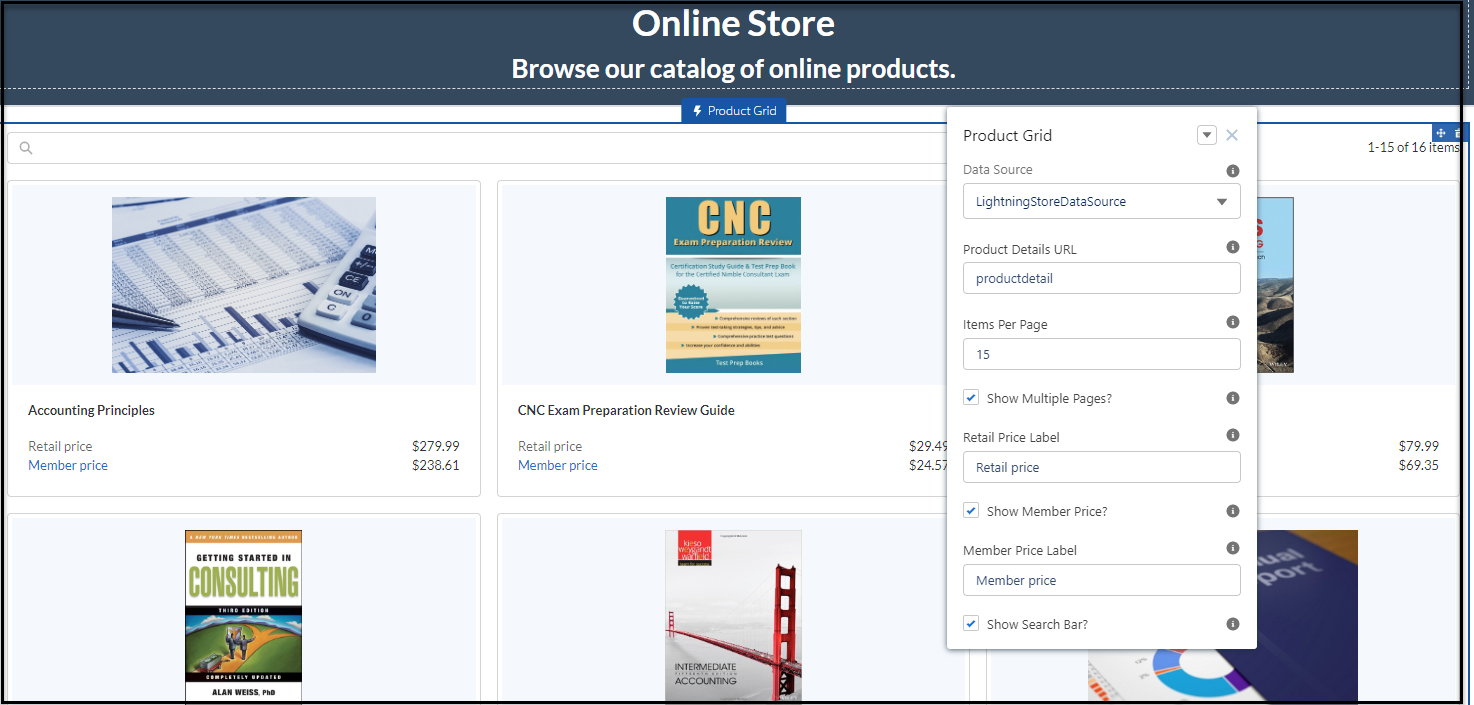
Figure 1. Product Grid LWC with configuration options
|
Properties |
Description |
|---|---|
|
Data Source |
Shipped with a default Data Source "Lightning Store Data Source", the product grid is ready out-of-the-box to display active, enabled merchandise products. Additional Data Sources can be created and configured to allow for flexibility in your Community. |
|
Product Details URL |
This is the base URL of products to display in your community. This URL is used along with a unique identifier to direct the user to an item specific detail page. |
|
Items Per Page |
This allows the Administrator to control the paging of items displayed. It is the maximum number of items to display per page. |
|
Retail Price Label |
This allows the Administrator to show different pricing options for non-members. Price classes for the relative product(s) need to be set up for this to work.
|
|
Member Price Label |
This allows the Administrator to show different pricing options for members. Price classes for the relative product(s) need to be set up for this to work.
|
|
Show Search Bar |
This allows the Administrator to check a box that allows members to search for product names. |
Example
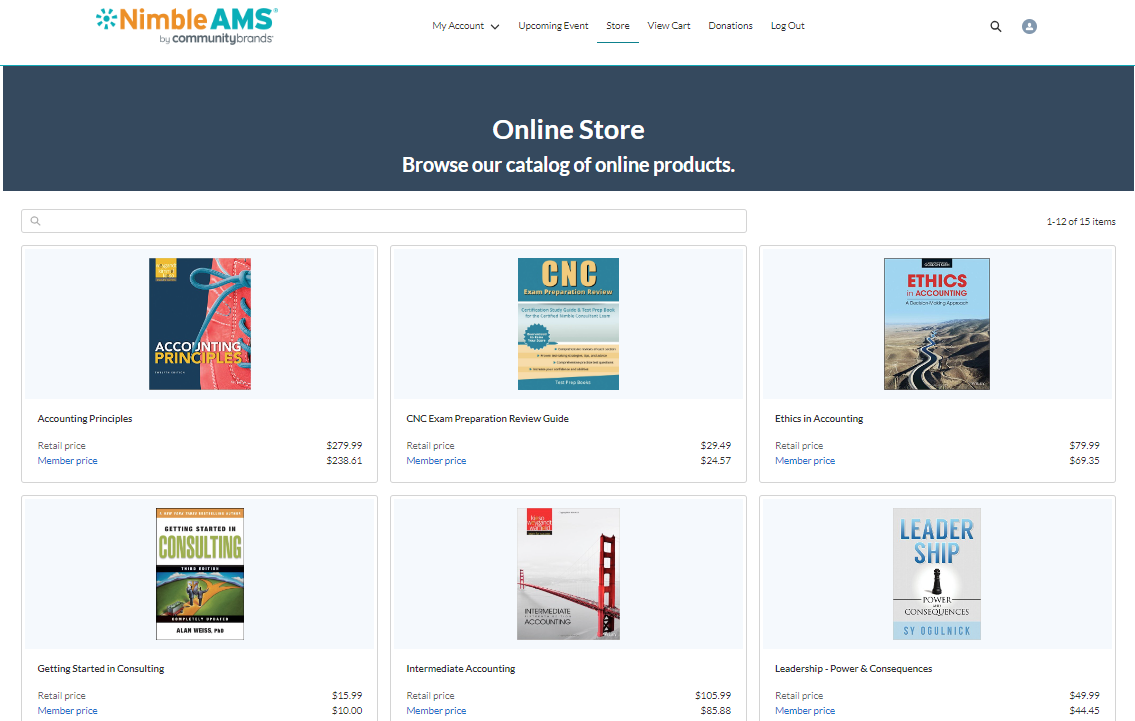
Figure 2. Product Grid used to display products on a Store page in Experience Cloud Community Hub