Step 1: Assign Access to Staff Users
Grant staff members the permission set needed to manually block or unblock a card number.
-
Navigate to Setup > Permission Sets.
-
Select the NimbleAMSFraudPreventionAdmin permission set.
-
Click Manage Assignments, then Add Assignments.
-
Select each user who should be able to block or unblock card numbers, then click Assign.
Step 2: Access the Tool
Once assigned, users can access the tool directly.
-
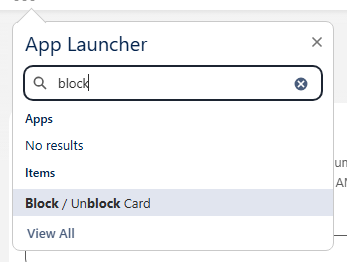
Click the App Launcher (9-dot menu) in the top-left corner.
-
Search for Block / Unblock Card.